
Feature 05
Multiple WhatsApp Numbers
Every branch number. One inbox.
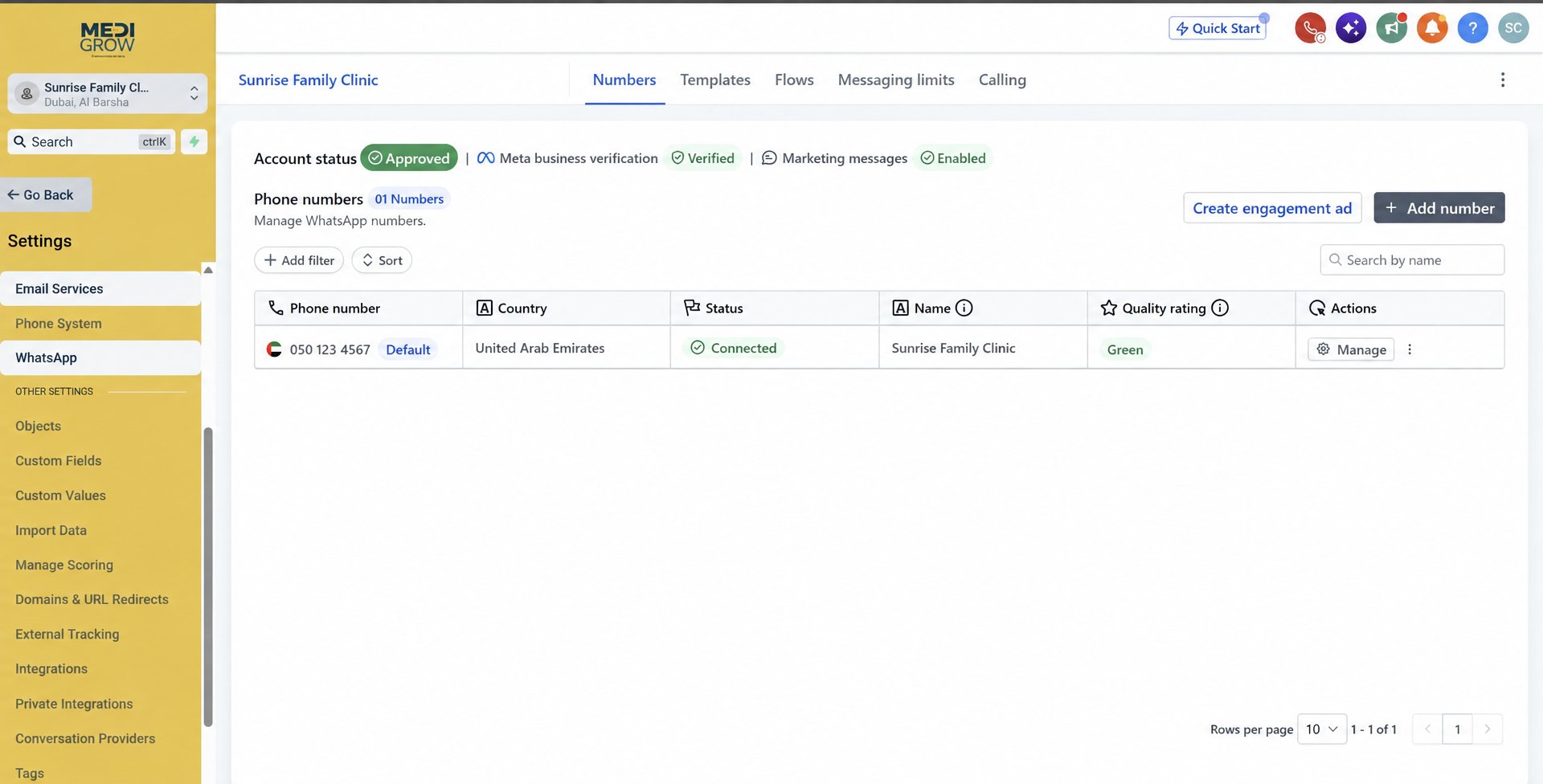
Connect the WhatsApp numbers of all your branches and departments into one shared inbox, with clear labels showing which number each chat came from.
The problem
What clinics struggle with today
- Each branch uses a different phone.
- Managers can't see conversations across branches.
- Patients get inconsistent answers.
Try it live
How it looks in MediGrow.app
Unified inbox
Illustrative demo with sample data.
Step by step
How to do it in MediGrow.app
- 1
Connect each number
Add every branch or department WhatsApp number to MediGrow.app.
- 2
Label and assign
Each chat is tagged with its branch and can be assigned to a team member.
- 3
Reply from one place
Your team replies from the shared inbox using the right number automatically.
- 4
Oversee everything
Managers see all branches without switching phones.
Why it matters for your clinic
One view
All branch conversations in a single inbox.
Clear ownership
Assign chats to the right person.
Consistent service
Same quality of reply at every branch.
Example: Two-branch clinic
Branch A and Branch B chats appear side by side; the manager reassigns a busy branch's messages to available staff.
Next feature
Mobile AppReady to see your enquiries in one place?
Try MediGrow.app and lock in 50% off your first year, for the first 50 clinics.
Illustrative demo data